
ServiceOps · Demonstration story
Keep the job moving from request to invoice.
A customer request arrives. Someone needs to prepare the quote, schedule a technician, follow progress and arrange the invoice. ServiceOps shows how those steps can sit in one shared application.
An interactive EstellaSoft demonstration using fictional businesses and sample data. Explore the workflow, then discuss how it could fit your team.
When the handoffs become the hard part.
For a maintenance business or contractor, a job passes through several people. When updates live in messages, spreadsheets and separate tools, each handoff can require another check: who is assigned, what changed, and what is ready for accounts?
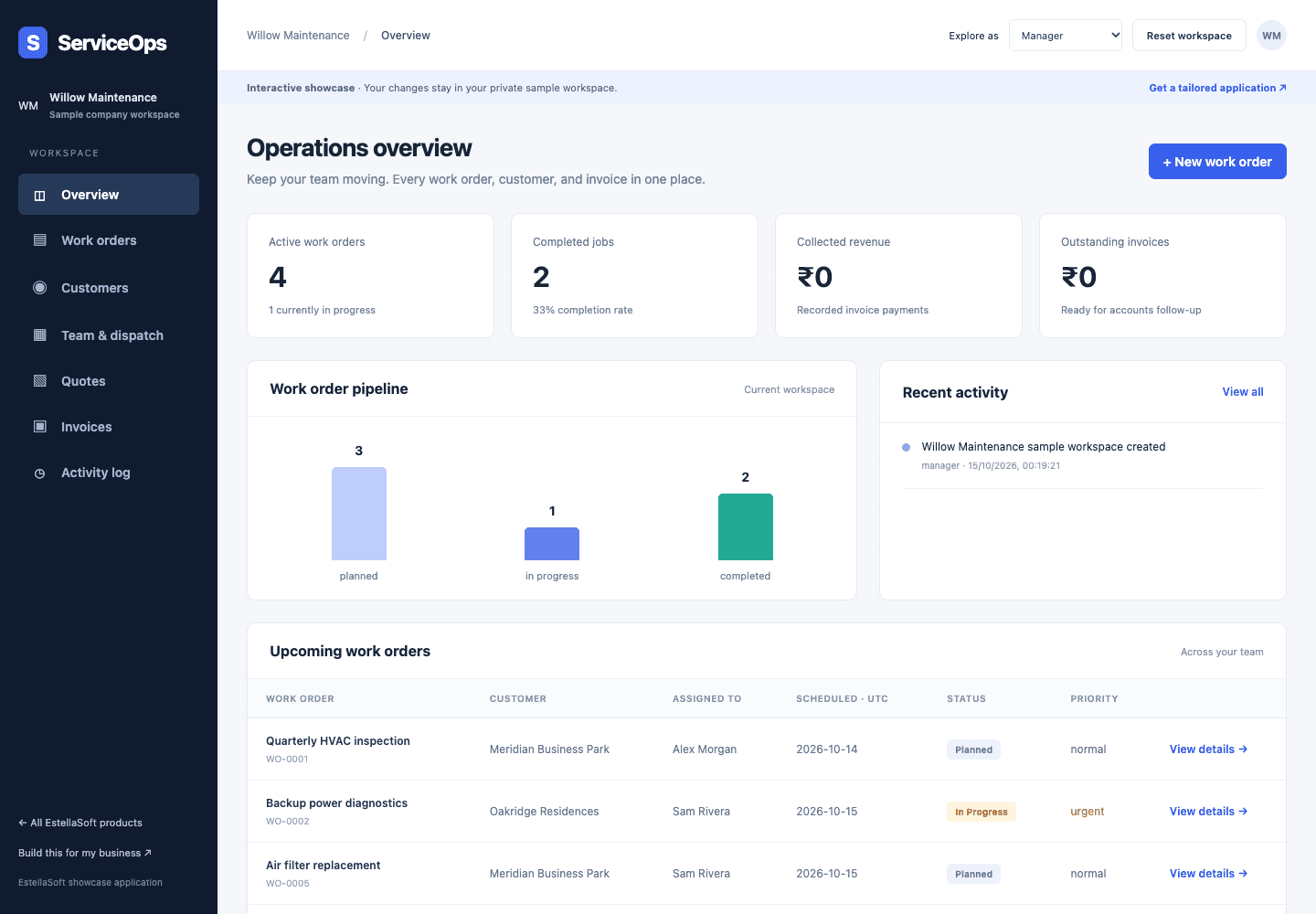
The ServiceOps demo brings work orders, customers, dispatch, quotes, invoices and an activity log into a shared workspace. The point is to make the workflow tangible before discussing what your own business needs.
Try a short walkthrough.
Open the demo and use the role selector to explore Manager, Dispatcher, Technician and Accounts views. You do not need to enter real customer information.
- 01
Start with the work order
Open a work order to see the customer, scheduled date, priority and status together. Give office staff a shared place to understand the job.
- 02
Coordinate the team
Explore Team & dispatch, then switch to the technician role. Compare the office view with the view a person doing the work needs.
- 03
Follow the commercial details
Review quotes and invoices alongside the operational workflow. See where accounts staff fit into the process.
- 04
Review progress
Return to the overview and activity log to see the work-order pipeline and recorded changes in the sample workspace.
Each visitor receives a separate sample workspace, with demo changes kept for 24 hours. Switch roles freely to explore the handoffs.
Shape the system around your team.
Use the demo as a starting point. A tailored project begins with your actual job stages, responsibilities, customer records, approval rules and existing tools. Integrations, data migration and any mobile or offline requirements need to be scoped for your project.
Where does your workflow slow down?
Tell us what happens between a new request and a completed, invoiced job. We can discuss the smallest useful system for that process.
Discuss a field-service systemNo real customer data is needed for the first conversation.